Your Cart


Specification
Driver Download: https://bit.ly/m/AULA
F75 Unboxing Video—Reaper axis
AULA F75 Bluetooth Wireless Keyboard RGB Mechanical Keyboard 75% Layout Gaming Keyboard
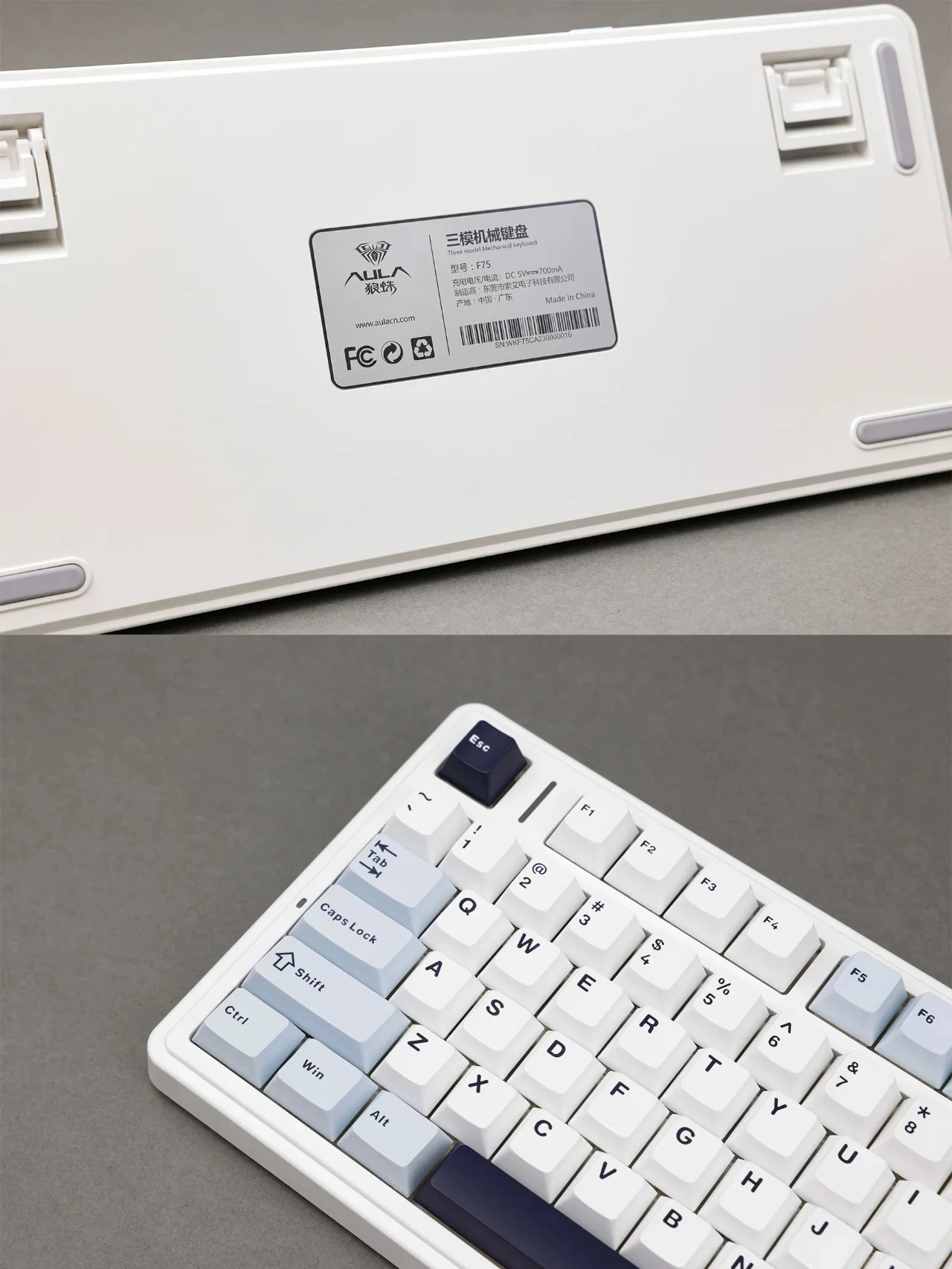
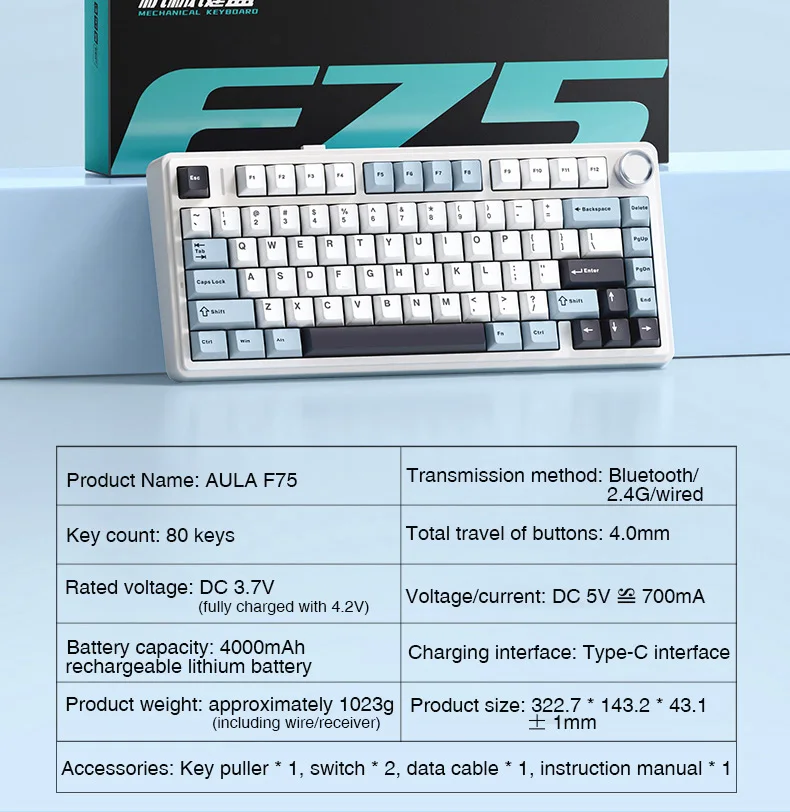
Specification Brand Name: AULA
Product Model:AULA F75
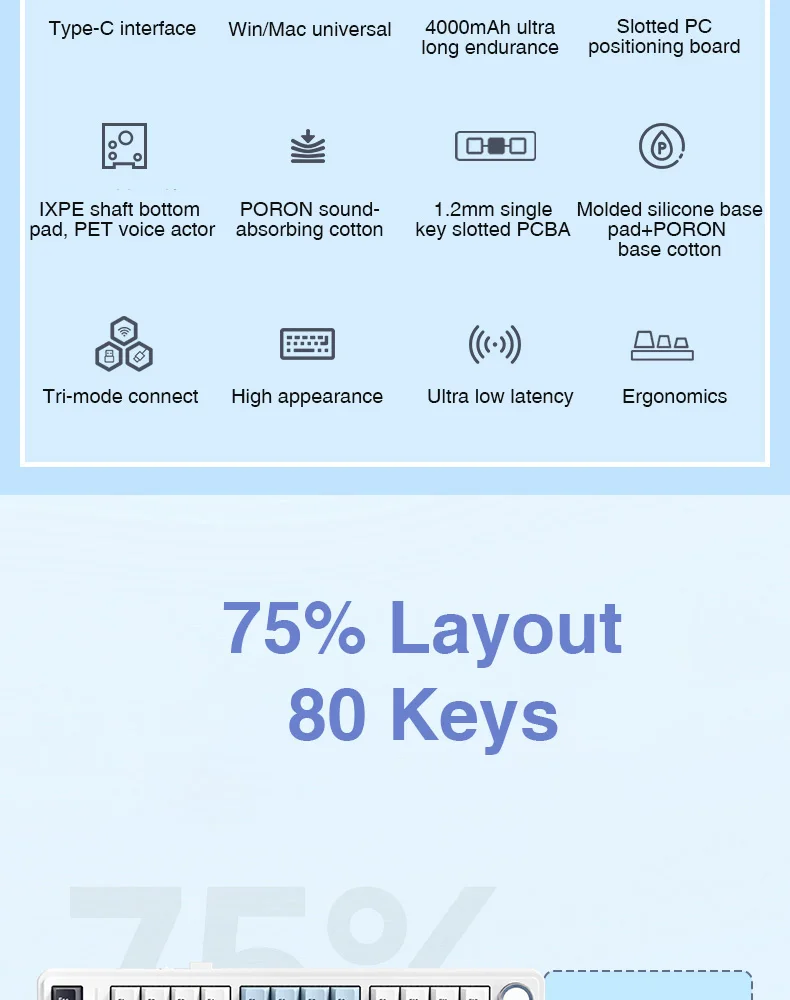
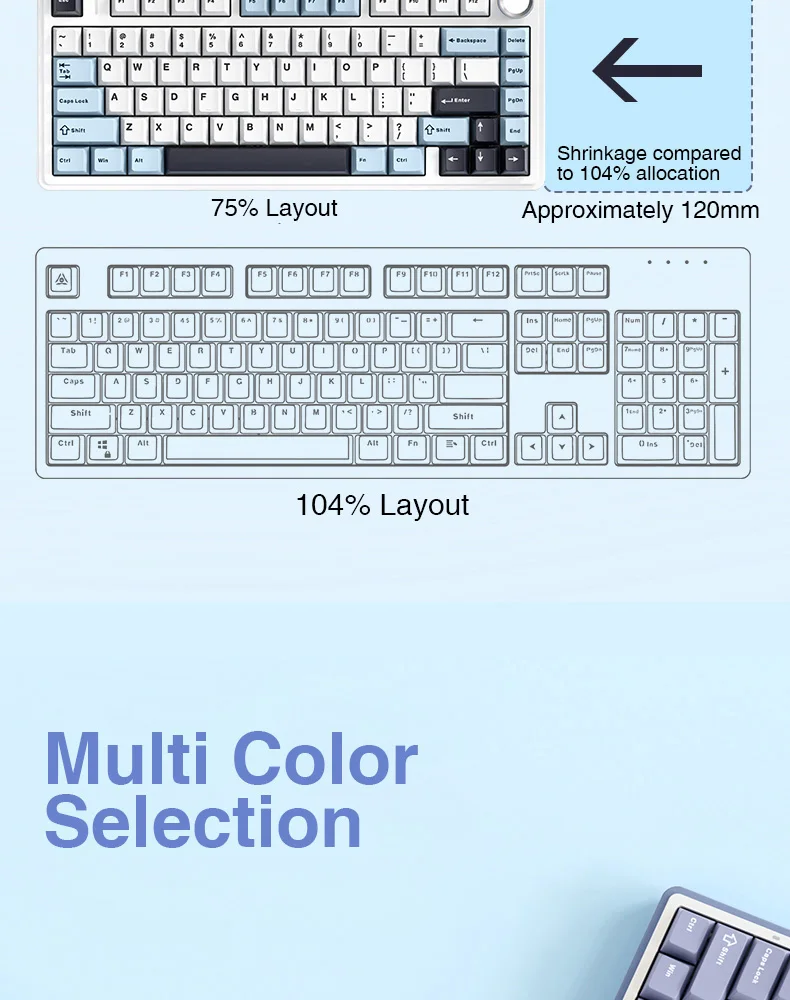
Keys Number:80 Keys
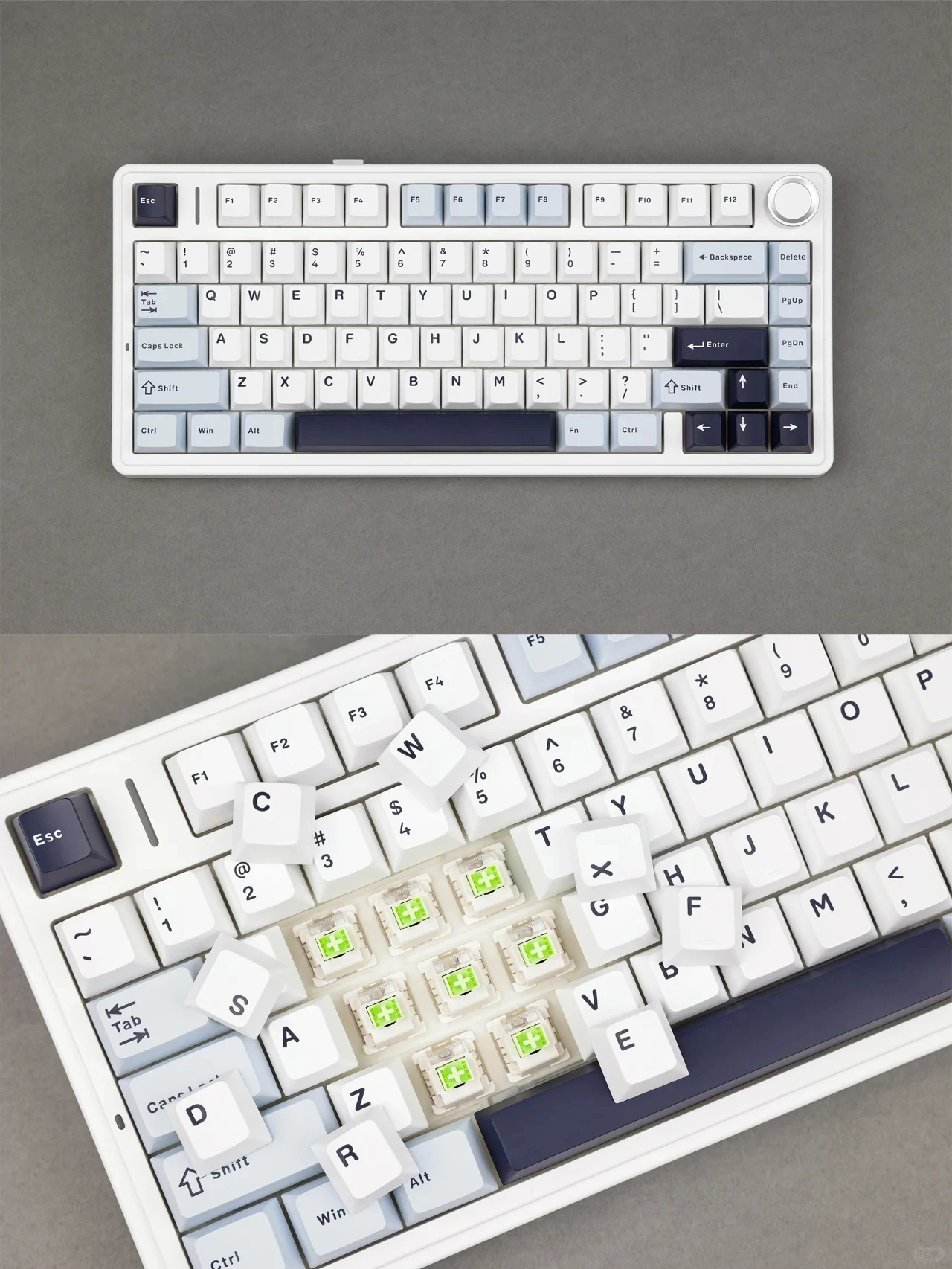
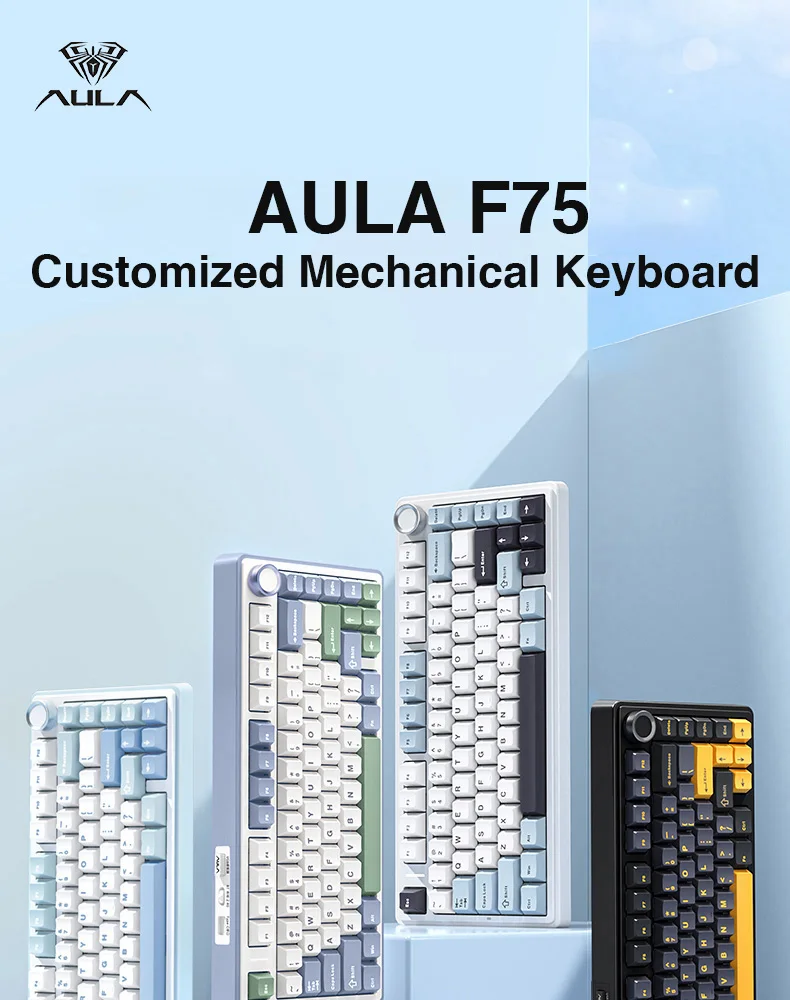
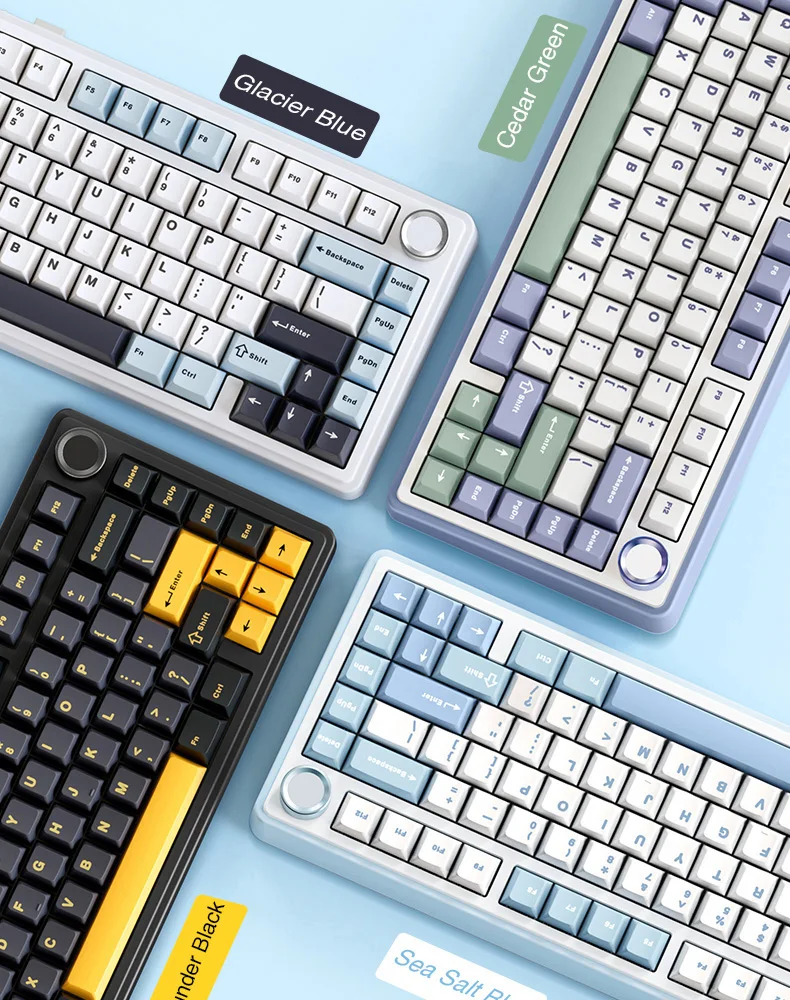
Keyboard Color:Glacier Blue/Cedar Green/Thunder Black/Sea Salt Blue
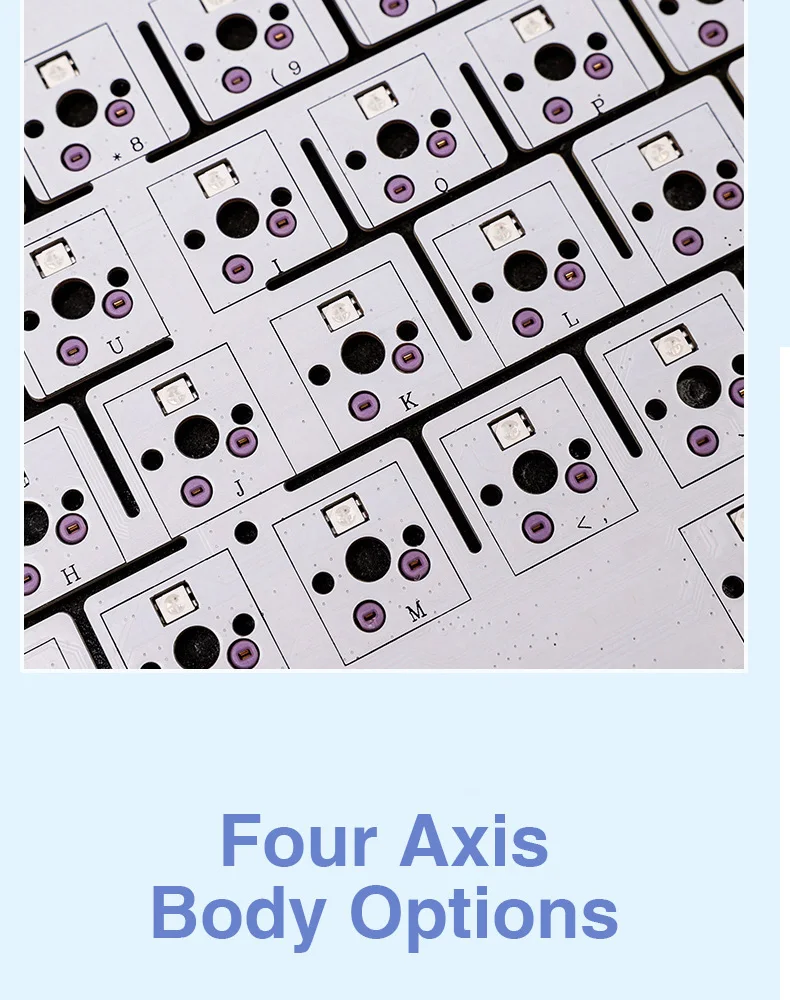
Axis Body: LEOBOG Reaper axis/LEOBOG Graywood axis/LEOBOG Star vector axis
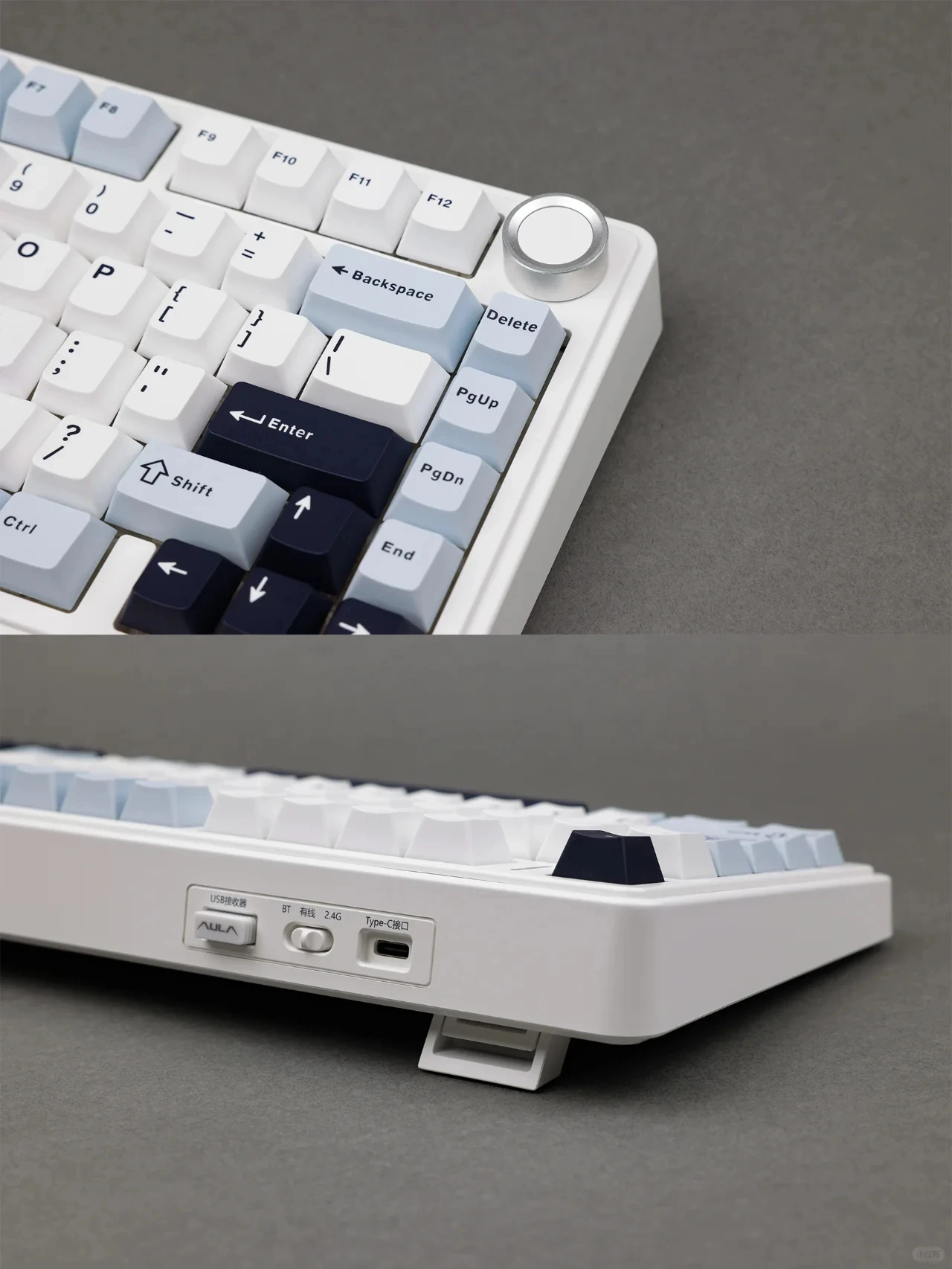
Connection:Bluetooth/2.4G USB/Type-C Wired
Battery: 4000 mAh
Backlit:RGB Backlight
Layout: 75% Keyboard Layout
Operating system: WIN XP/7/8/10/Android/IOS/MAC- with software
Product Model:AULA F75
Keys Number:80 Keys
Keyboard Color:Glacier Blue/Cedar Green/Thunder Black/Sea Salt Blue
Axis Body: LEOBOG Reaper axis/LEOBOG Graywood axis/LEOBOG Star vector axis
Connection:Bluetooth/2.4G USB/Type-C Wired
Battery: 4000 mAh
Backlit:RGB Backlight
Layout: 75% Keyboard Layout
Operating system: WIN XP/7/8/10/Android/IOS/MAC- with software
Keycap height:Cherry Profile
Gasket Structure with Excellent Noise Reduction:F75 gamer mechanical keyboard is a high-end gasket-mounted keyboard with a PC plate. The keyboard also has a 5-layers premium silicone pads and noise reduction cotton to reduce 95% hollow noise,abosord typing noise,and enhance the unique soft and comfortable rebound of the Gasket structure.
Multi-Device and Wireless Connection:F75 bluetooth wireless keyboard supports USB wired, 2.4G wireless and Bluetooth 5.0 connection,a good option for users who has multiple devices.It's compatible with Laptop, iPad, IOS, Windows, Mac or Android OS.And everything that matches the product.
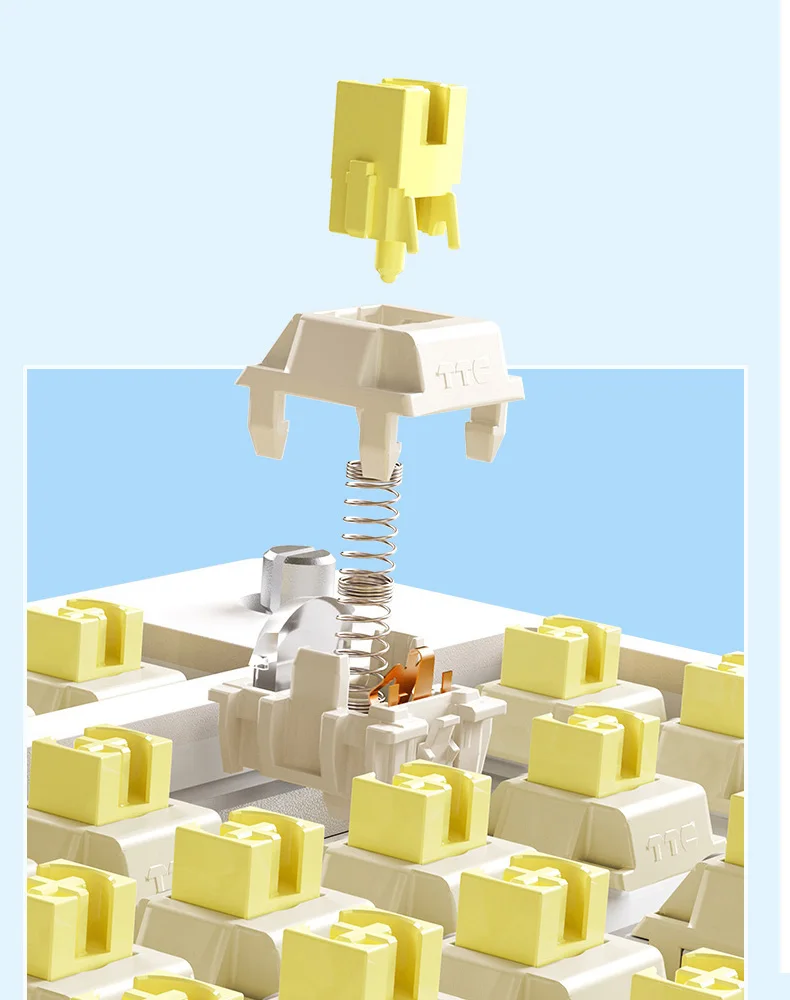
Hot Swappable PCB, Compatible with 3-Pin/5-Pin Switch:F75 is equipped with hot-swappable PCB to ensure free replacement or change of switches. It is compatible with most 3-pin and 5-pin mechanical switches. Pre-installed the pre-lubed custom switches providing unrivaled tactile responsiveness with up to 60 million keystroke lifespan.
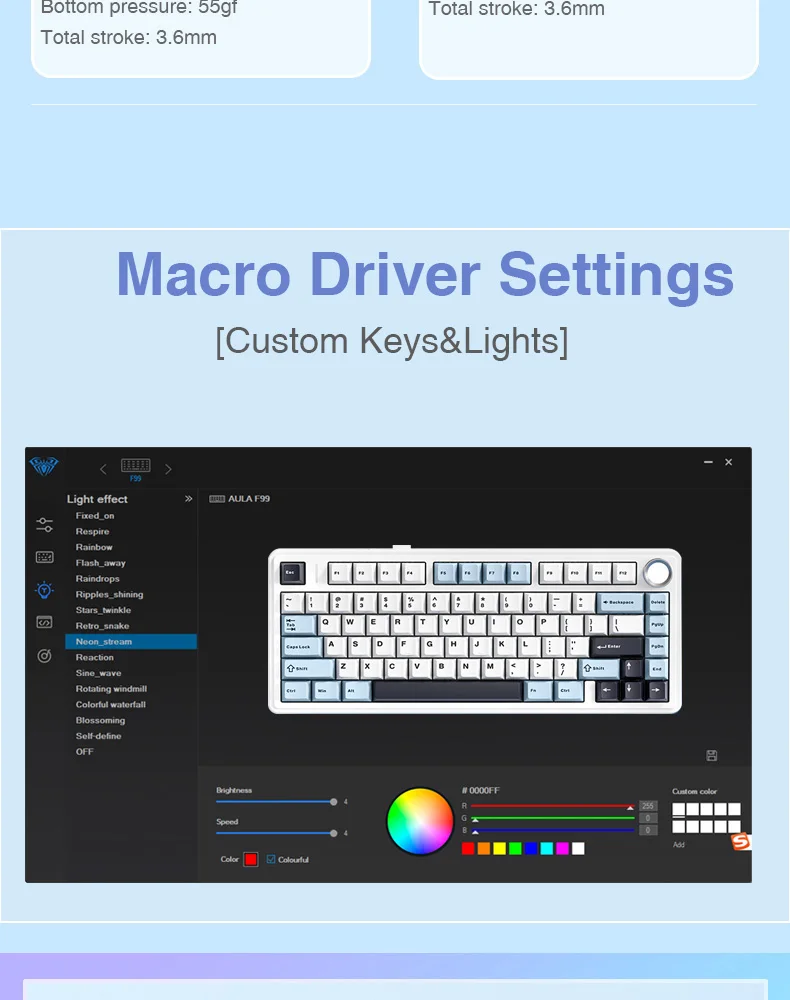
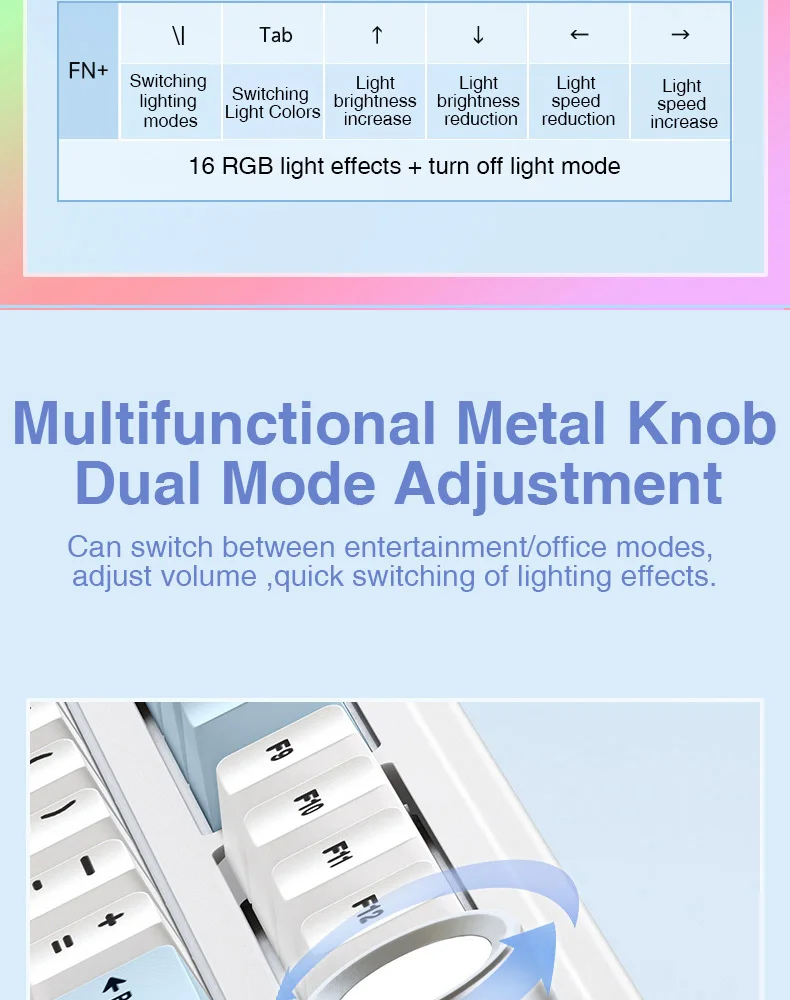
16.8 Million RGB Backlit & Macro Programmable Software:AULA F75 rgb gaming keyboard has multiple RGB backlit modes that you can easily switch with simple shortcuts. You can make your RGB effects with the included software. With the software, all kinds of keyboard key functions could be set, macro recorded, and personalize your function keys as you wish. The onboard flash memory unit could save the configuration to the keyboard if offline.
Multi-function Control KnobThis AULA 75% wireless gaming keyboard is equipped with functional knob to switch gaming mode or office mode. In gaming mode, you can rotate the knob to adjust the brightness of the lights, and click the knob to switch the lighting effects easily; in office mode, rotate the knob to adjust the volume, and click the knob to play or pause. Long press the knob for about 5 seconds to switch modes






Real Shots